Welcome!
Black Friday is officially 1 week out and today you'll learn some of my most practical hacks from working on more than 500 projects since 2019.
These are tips that are pretty easy to execute and will make a huge difference in your Email Marketing this BFCM.
Goal:
After this post, you’ll know:
- Which settings you need to update right now
- How to evaluate which changes make sense
and more...
My Rule: Volume dictates how impactful a change will be and how urgent it should be for you. With volume I mean the amount of customers that will be affected by that change because that has a direct influence on the customer experience and therefore also on your attributed revenue.
For example, if you have 100.000 customers in your account and see that 5.000 run through your abandoned checkout every month, you can test certain things like subject lines, offers, etc. to see what the customers respond to. However, if you only have 1.000 profiles, and 50 people run through your flow, you’ll need a really long time to actually get significant results from any test or change you make. So, that’s not your top priority.
That said, ALWAYS choose the thing that has the most impact with the least effort.
Small changes, big difference.
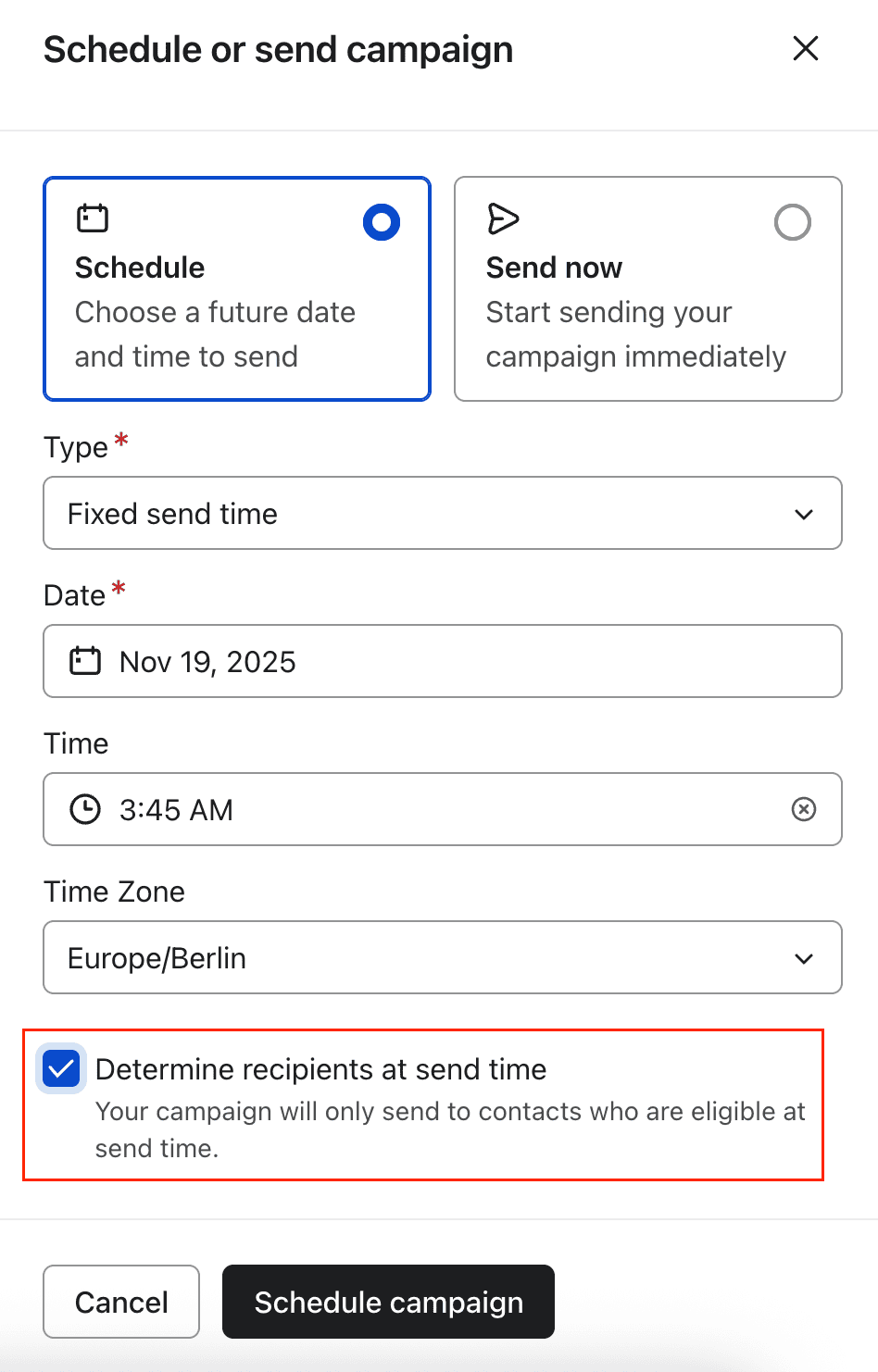
1. Activate “Determine recipients at send time”.
When scheduling your emails, check the setting “Determine recipients at send time”. This means that once the time has arrived, Klaviyo will check who is in the Segment at that time, and then send to those people.
WITHOUT this setting, everyone who is in the segment NOW, will receive the email then.
This is can easily become a problem because things change between today and your send date.
- You might send out a bigger discount to someone who just bought with a smaller one, so they return the order.
- You might talk to people who don’t fulfill the filters anymore and so on.
In case you don’t know where to find this, it’s the last step when creating a campaign.
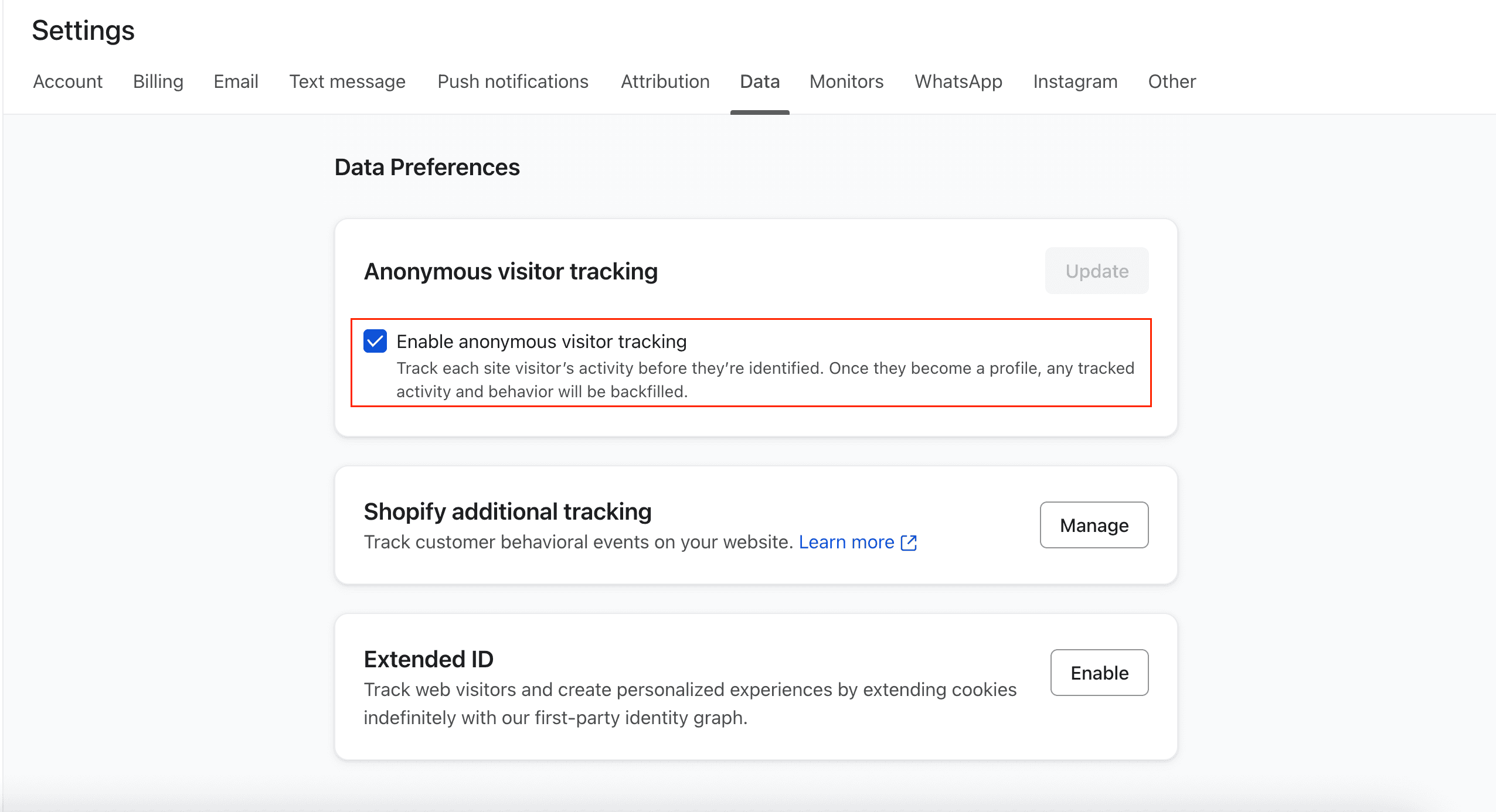
2. Activate „Anonym Visitor tracking“
When you turn AVT on, you’re tracking the behavior from customers whose information (email, phone number, name) you don’t have yet and once you receive their info, Klaviyo will automatically assign that behavior to them.
Explained simply, imagine people walk into your store and you have someone who writes down “Person 123 came in, looked at a jacket, then tried it on, and left”.
You don’t know the person’s name yet, but you saw what they did, and stored that information. Then, once the person buys, signs up for your newsletter or gives you their information in any other way, this past behavior will be backfilled to for example “Person 123 is Julia and did XYZ before she signed up”
This is also known as collecting First Party Data.
You can find the setting here: https://www.klaviyo.com/settings/data/preferences
3. Use multiple Segments to ‘unlock’ audience breakdown
Audience Breakdown is basically a hidden feature by Klaviyo.
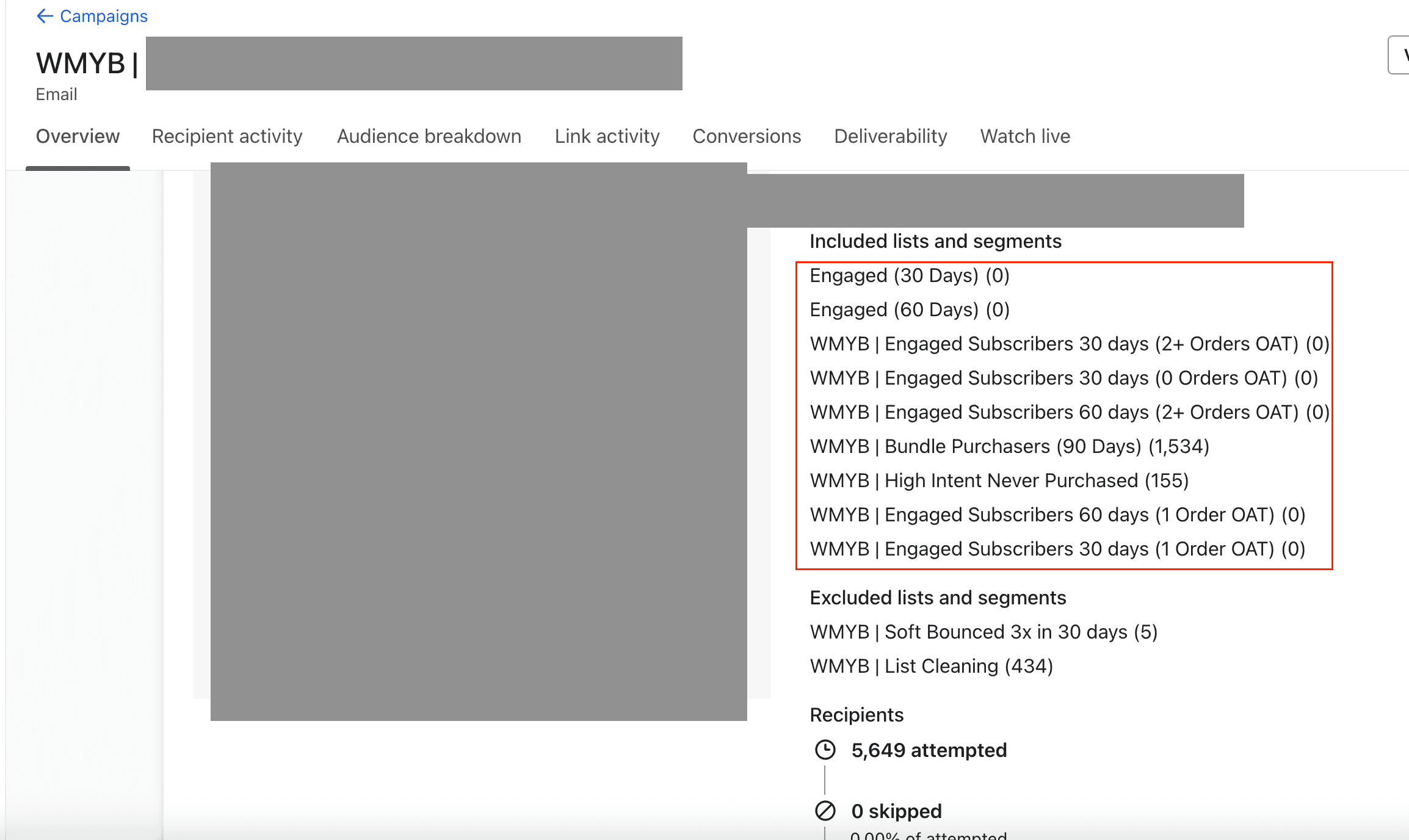
The only way to unlock it is to use multiple lists and/or segments in your Campaigns.
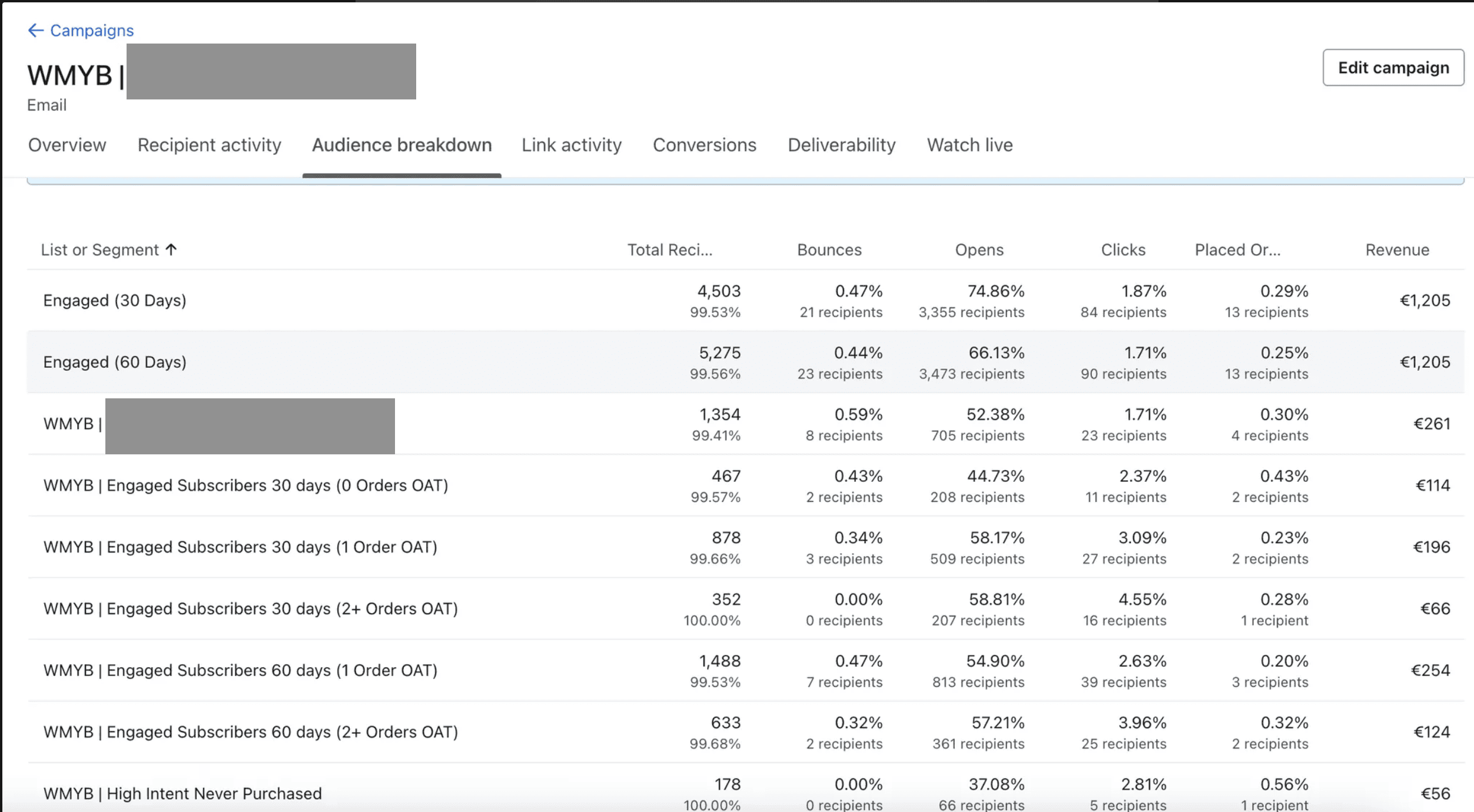
What it does is it gives you the ability to see engagement on a whole new level as you can see in the screenshots here.
For example, you can send to customers who have been engaged in 30, 60, 90, 120 days, and placed orders 0, 1, 2, 3+ times over all time.
Then when you send an email, you can see exactly who behaves how and can tailor the offers towards them like “120 days 0 orders doesn’t buy small deals” or “30 day 3+ orders buys everything, no need for a big offer”.
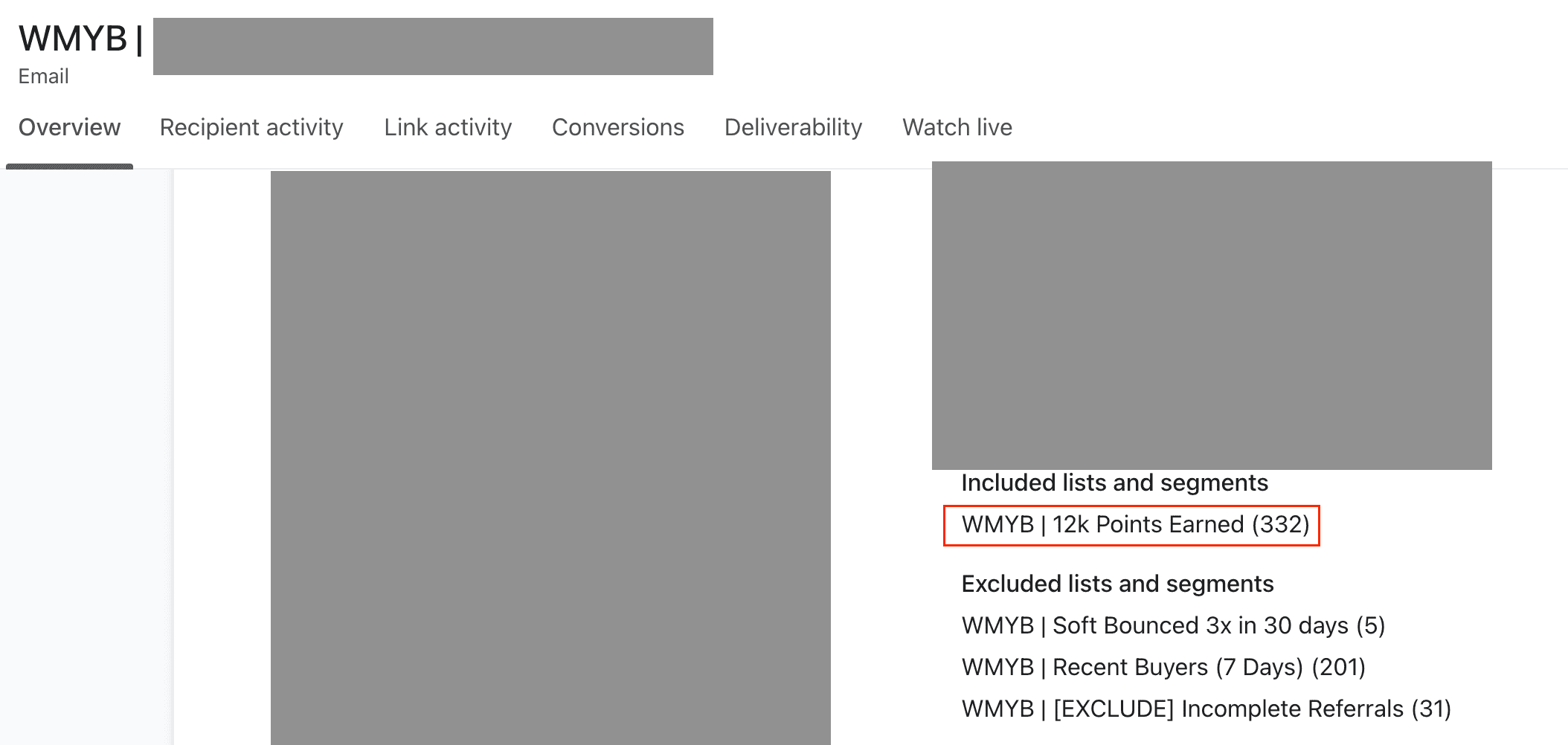
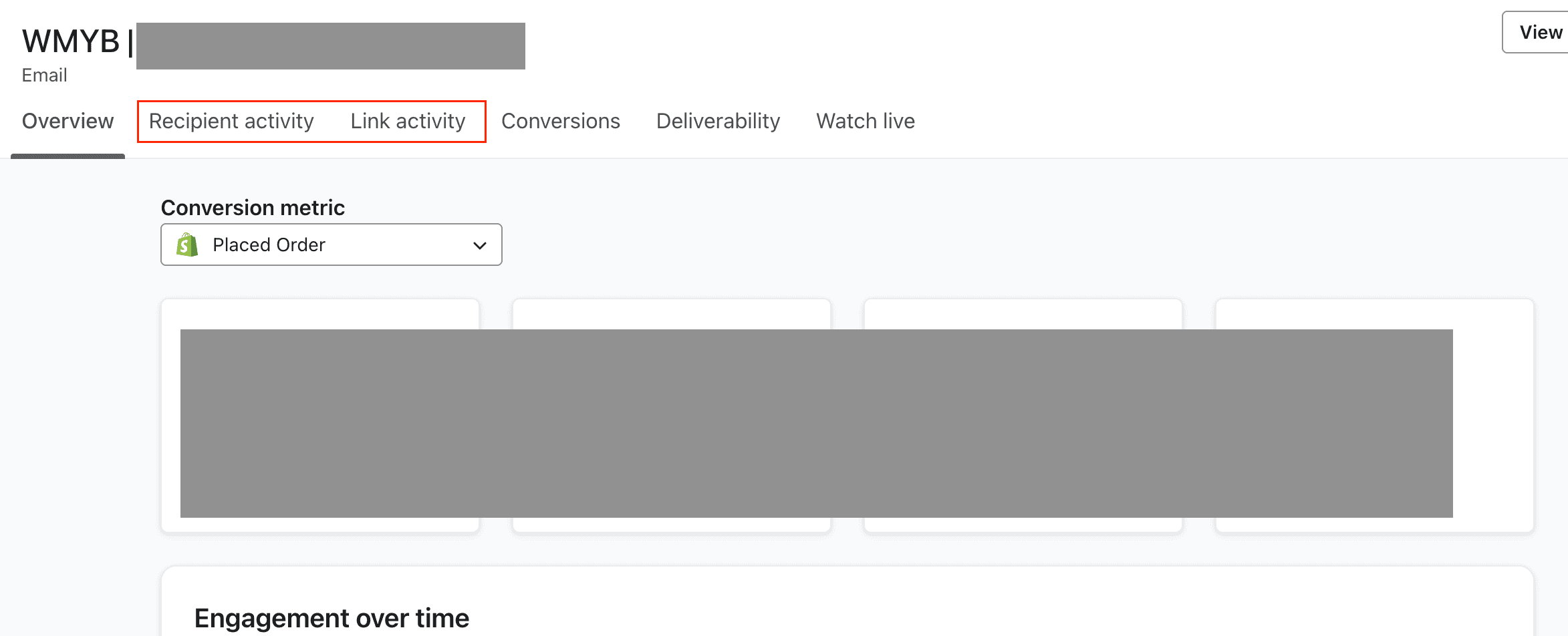
With 1 segment/list = Audience Breakdown Missing ❌
With multiple segments and/or lists = Audience Breakdown unlocked ✅
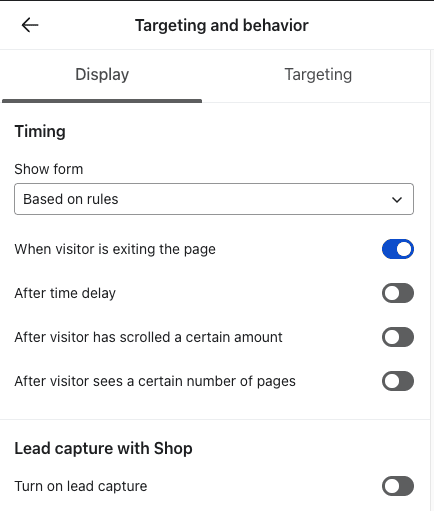
4. Change your PopUp setting
If you’re running any kind of promotion that brings more traffic to your website (e.g. Paid Ads) then you should definitely adjust your PopUp settings accordingly because at scale, PopUps can quickly have a huge impact on your website’s conversion rate.
If your PopUp is…
- Not BFCM related: Exit Intent
- BFCM related: Page load with code displayable
Because, if someone just heard about your brand and they enter your website, the last thing you want to do is to interrupt their purchase experience with a PopUp that isn’t related.
5. Predictive Analytics
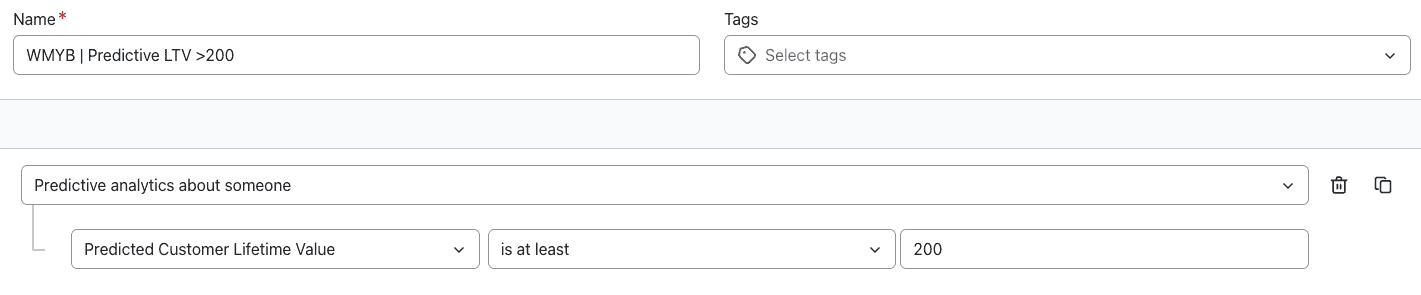
It can be very helpful to use segmentation that is based on Klaviyo’s predictive analytics.
We use this a lot with brands that have problems with identifying VIP customers because Klaviyo uses a bunch of different metrics, throws them together, and then calculates a pretty accurate CLTV.
Now, with a segment like this, you can send out your best offers without having to worry that it goes to people who don’t deserve it.
For example, if you usually have a CLTV of $100, giving someone who has a predictive CLTV of $200 a great offer is usually a really good idea.
6. Link your Preference Page
BFCM and Christmas are full of emails, full of opportunity, and full of revenue… for businesses.
However, customers don’t always like the volume, especially if they’re subscribed to multiple brands who are all fighting to get the attention.
So, instead of just having your unsubscribe button at the bottom of the email ready to be lit up by annoyed customers, add a preference button.
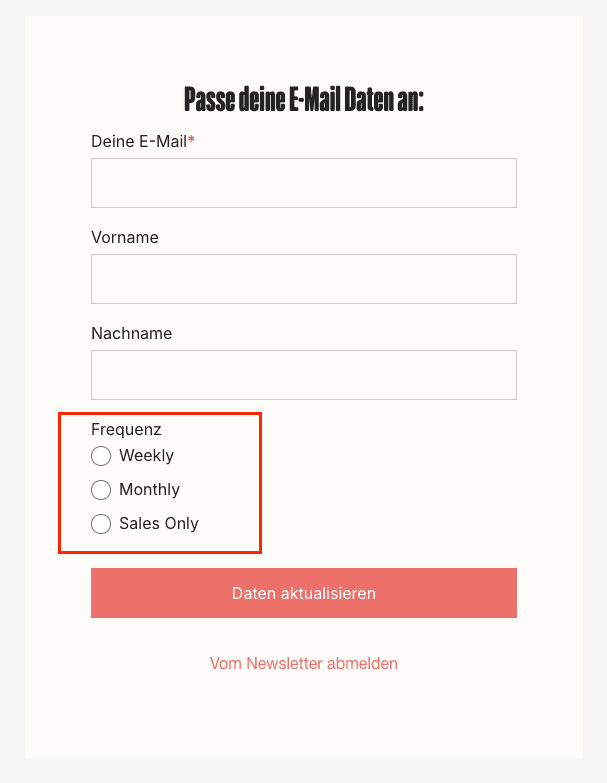
This will allow customers to unsubscribe from your offers temporarily.
You’ll have to set this up yourself, this is not a default setting, but it’s usually worth it and only takes a few minutes.