
Lately, a lot of people have asked how we handle Meta restrictions for health and wellness brands. It’s a real problem. But it’s one we’ve tackled many times.
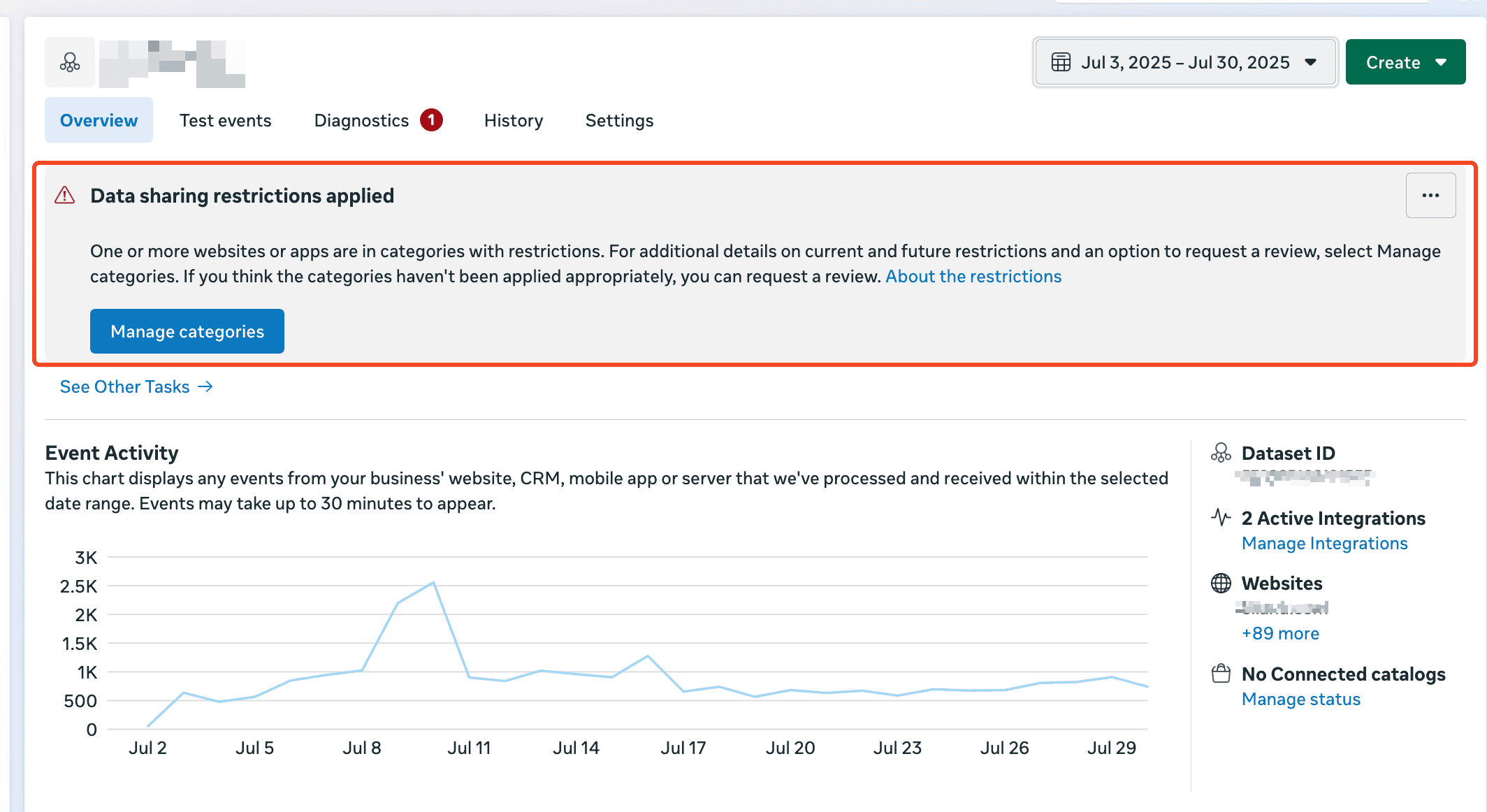
At Aimerce, we’ve worked with over 50 brands facing these restrictions and helped them revive Meta performance through better data setups and smart fixes.
Here are the three restriction levels we’ve seen repeatedly, and how to self-diagnose and fix them.
Restriction Level 1: Core Setup Active, but Partial Block on Lower Funnel Events
How to Spot It
- Go to Manage Data Source Categories in Meta Events Manager
- If you see a yellow triangle warning next to your domain (not a red stop sign), it means only part of your events are restricted
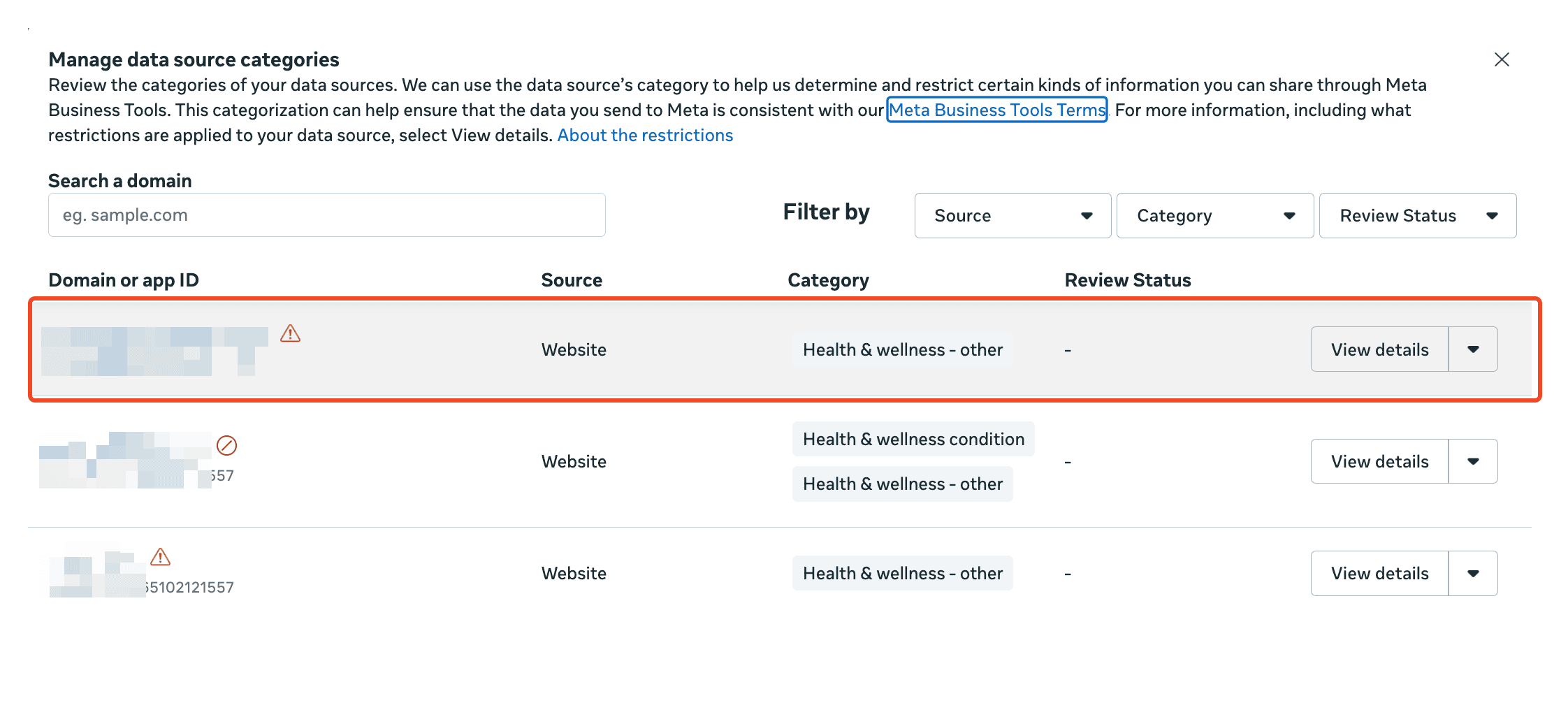
- Check your purchase count in Events Manager vs. Shopify. If tracking seems accurate, you’re likely at this level
What It Means
You’re partially blocked. Some events may be filtered, but lower funnel tracking (like purchases) is still functioning correctly.
What to Do
Honestly? You’re probably fine for now. We’ve seen brands run in this state for months with no real performance hit. That said:
- Set up custom events as a backup
- No need to panic, but keep an eye on changes
Restriction Level 2: Lower Funnel Events Blocked, Top of Funnel Still Working
How to Spot It
- In Manage Data Source Categories, you’ll see a red stop sign next to your domain
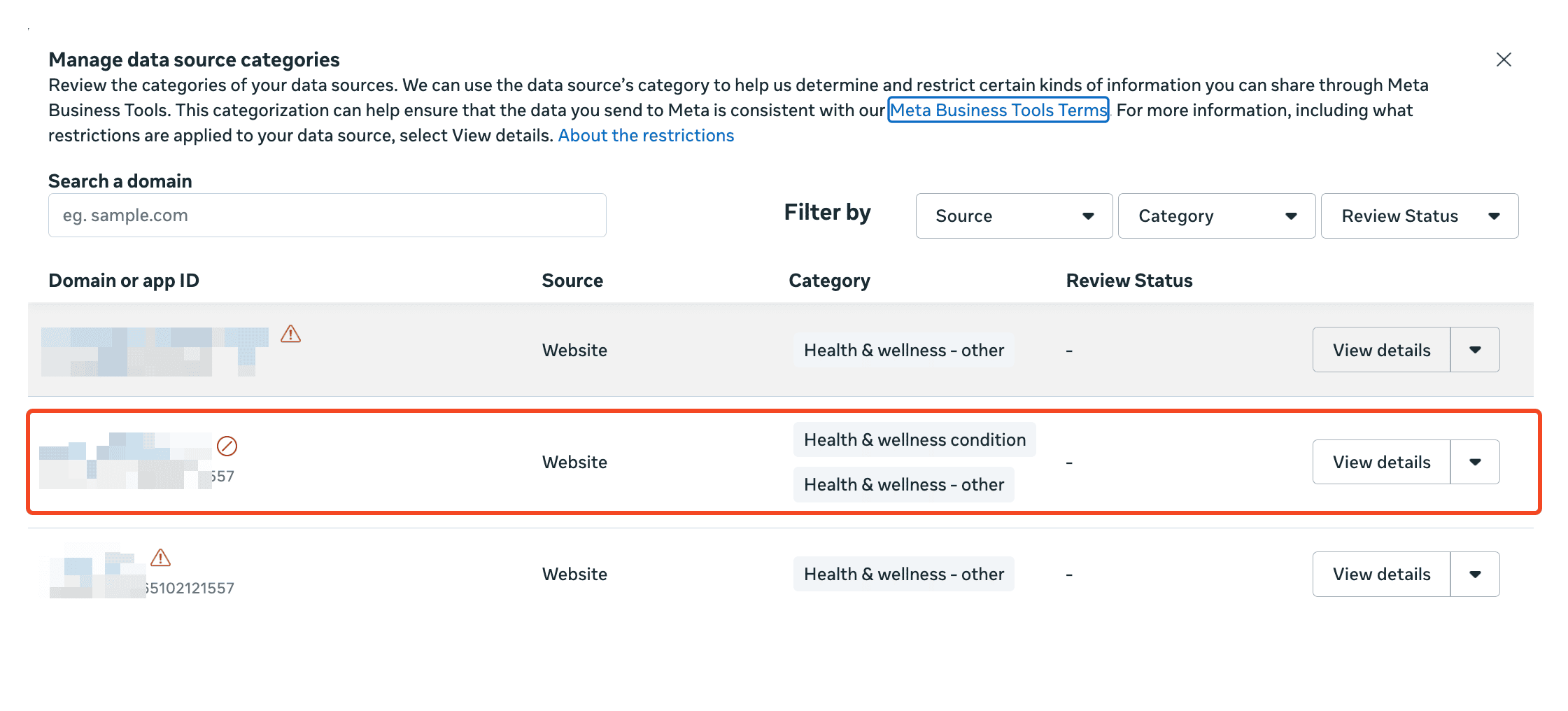
- Compare purchase data in Events Manager vs. Shopify – if you’re missing significant conversions, this is likely your issue
What It Means
Meta is blocking your lower funnel events like Add to Cart, Initiate Checkout, and Purchase.
What to Do
Custom events are the answer. Meta still accepts them if implemented correctly.
Checklist:
- Don’t name custom events the same as standard ones (e.g., don’t call it "Purchase")
- Verify implementation manually through Meta Events Manager
- Confirm they’re being received by Meta
At Aimerce, we provide an easy way to configure compliant custom events for Health & Wellness brands. Most accounts see performance bounce back within 1–2 weeks after setup.
Restriction Level 3: EU Regional Restriction (All Events Blocked)
How to Spot It
- Again, you’ll see a red stop sign next to your domain in Manage Data Source Categories

- Page View and View Content events are missing in Events Manager
- Traffic drop? Custom events not working? That’s a signal you’re under EU-level restriction
What It Means
Your entire pixel activity is blocked, not just purchases.
What to Do
Unfortunately, custom events won’t help here. The only current workaround is a domain change to temporarily lift the block.
Yes, the new domain may eventually get restricted too, but it buys time to run campaigns while you figure out a long-term plan.
We’ve seen every variation of these restrictions and helped brands recover revenue, ad performance, and tracking visibility.
If you’re stuck in any of these scenarios, we're happy to take a look and walk you through what’s possible.